From Design to Motion
Make Your
Imagination Real
Design, simulate, and animate your garments all in one place
Design, simulate, and animate your garments all in one place
Design, simulate, and animate your garments all in one place
Design, simulate, and animate your garments all in one place
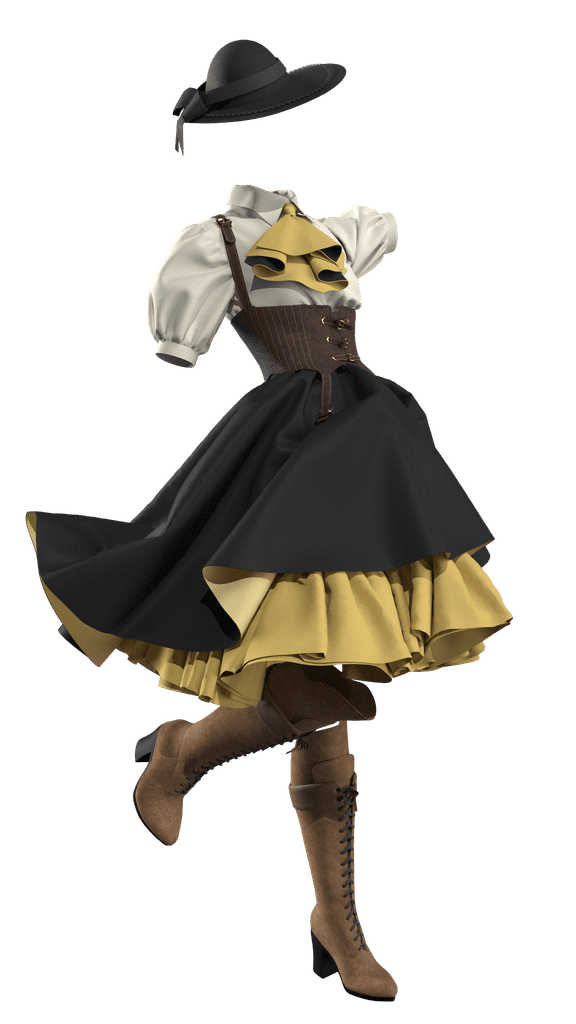
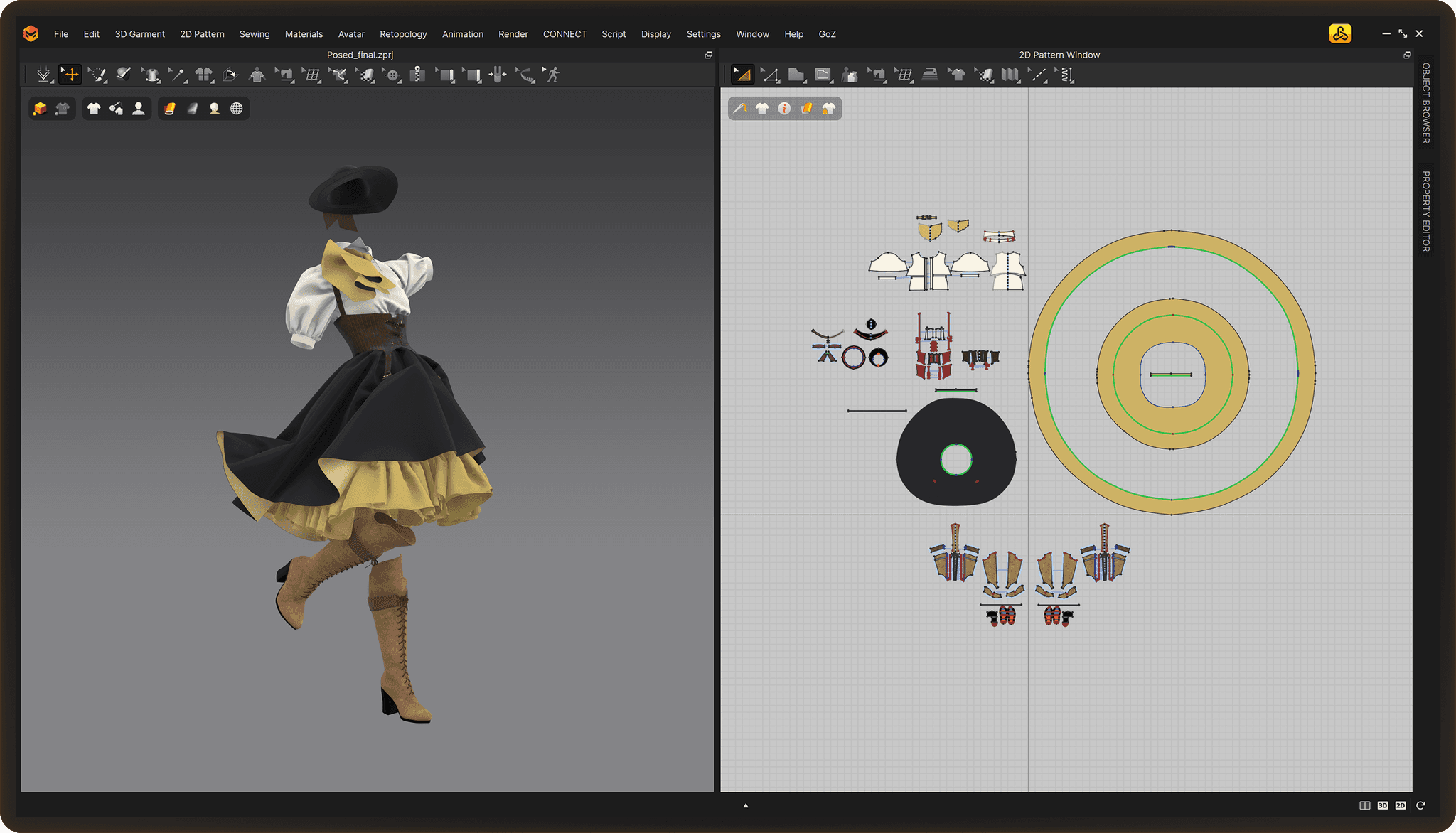





































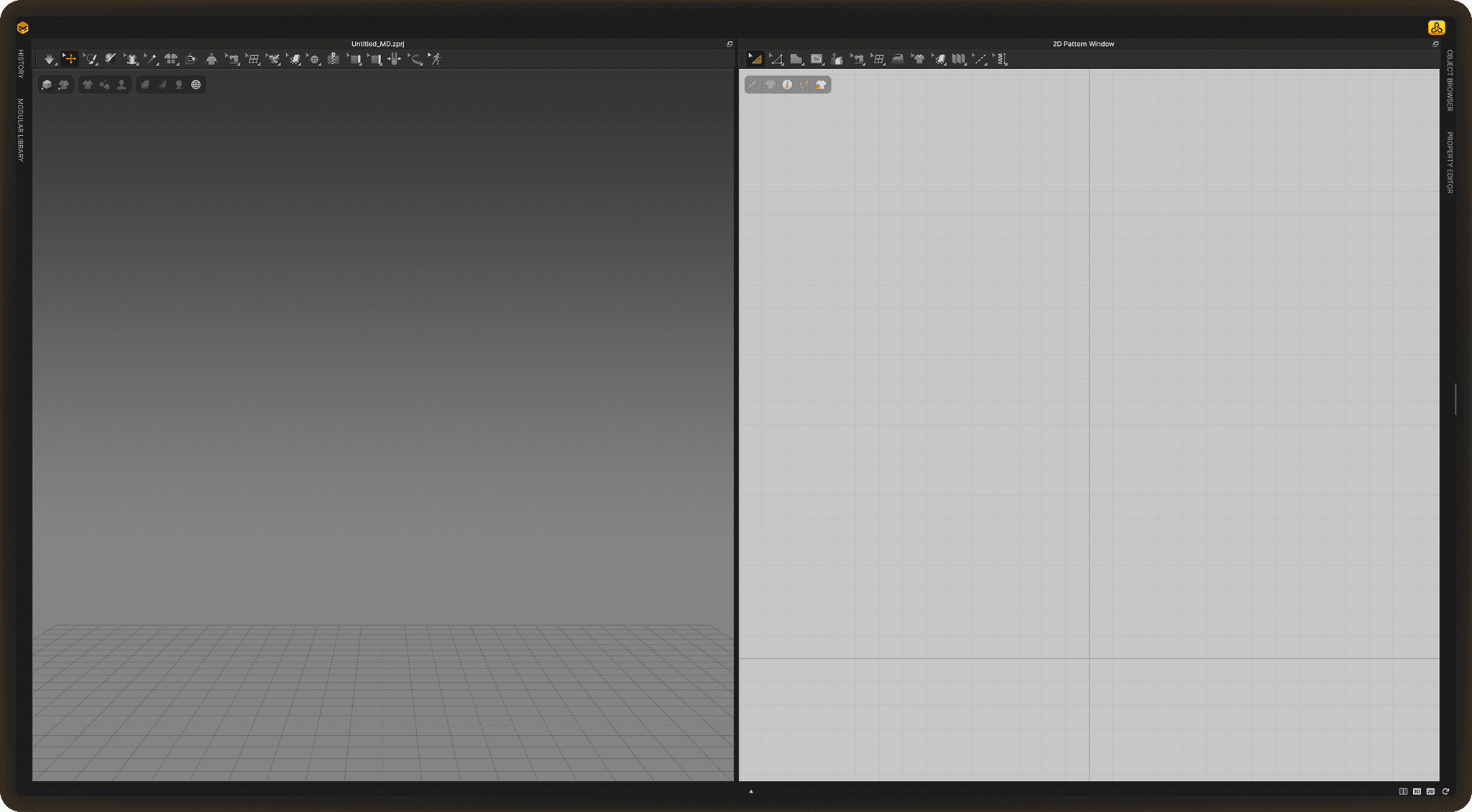
Effortless Cloth Mastery
Achieve professional-quality garments with ease and efficiency through an intuitive workflow
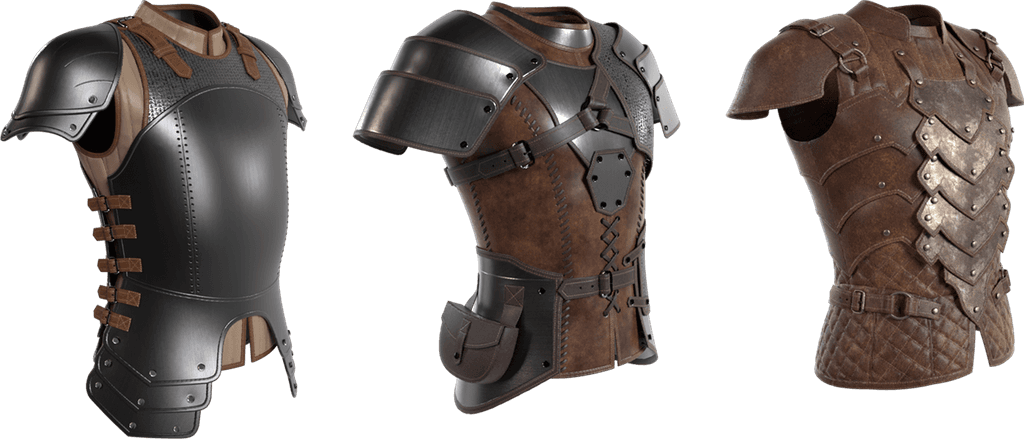
Versatile
A trusted tool across industries where creativity and craftsmanship matter
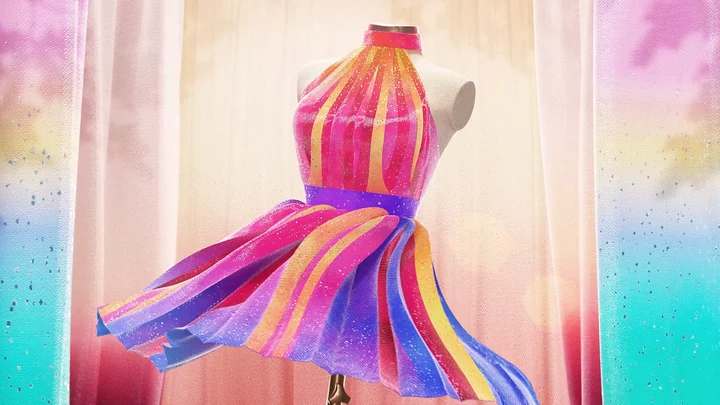
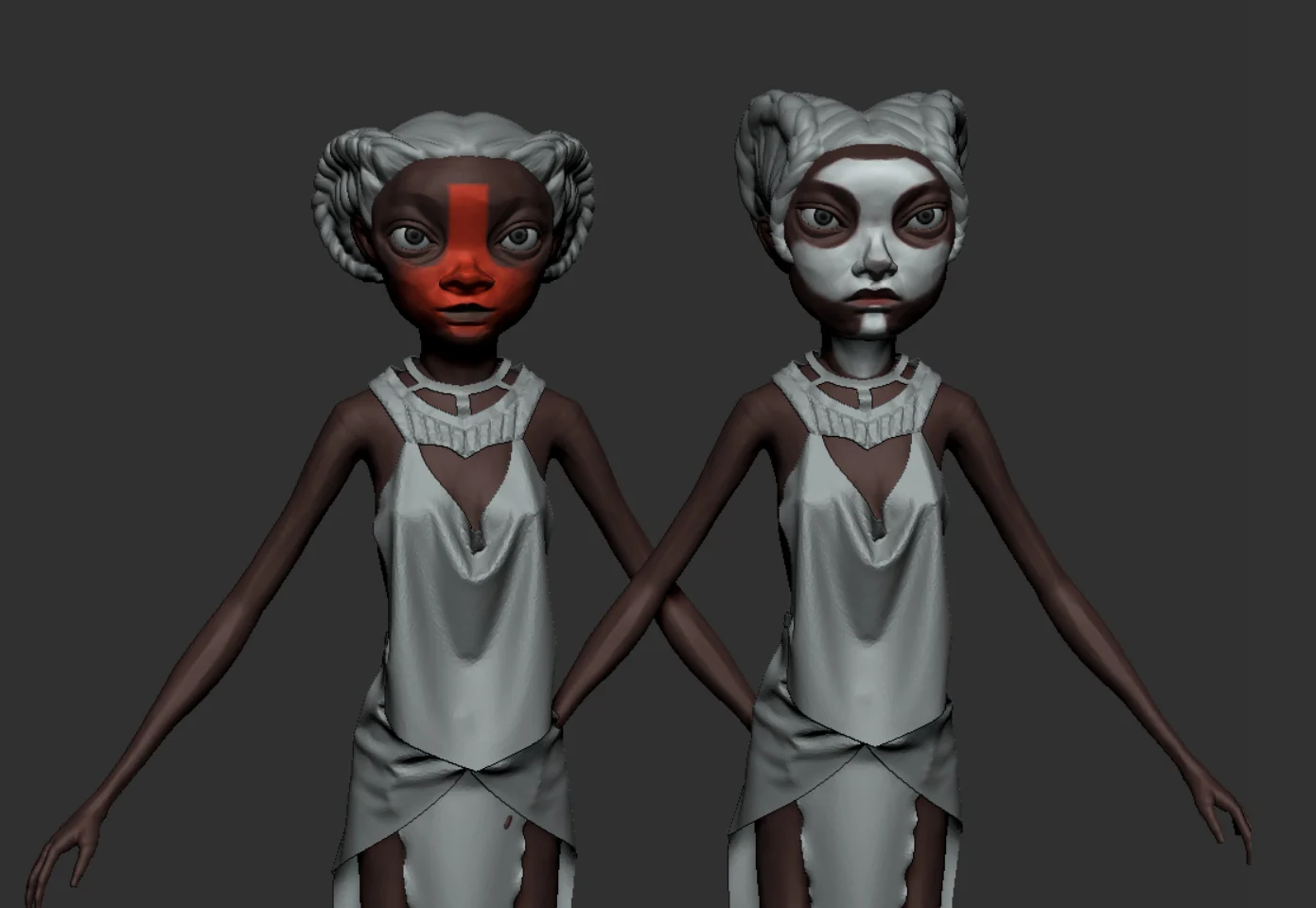
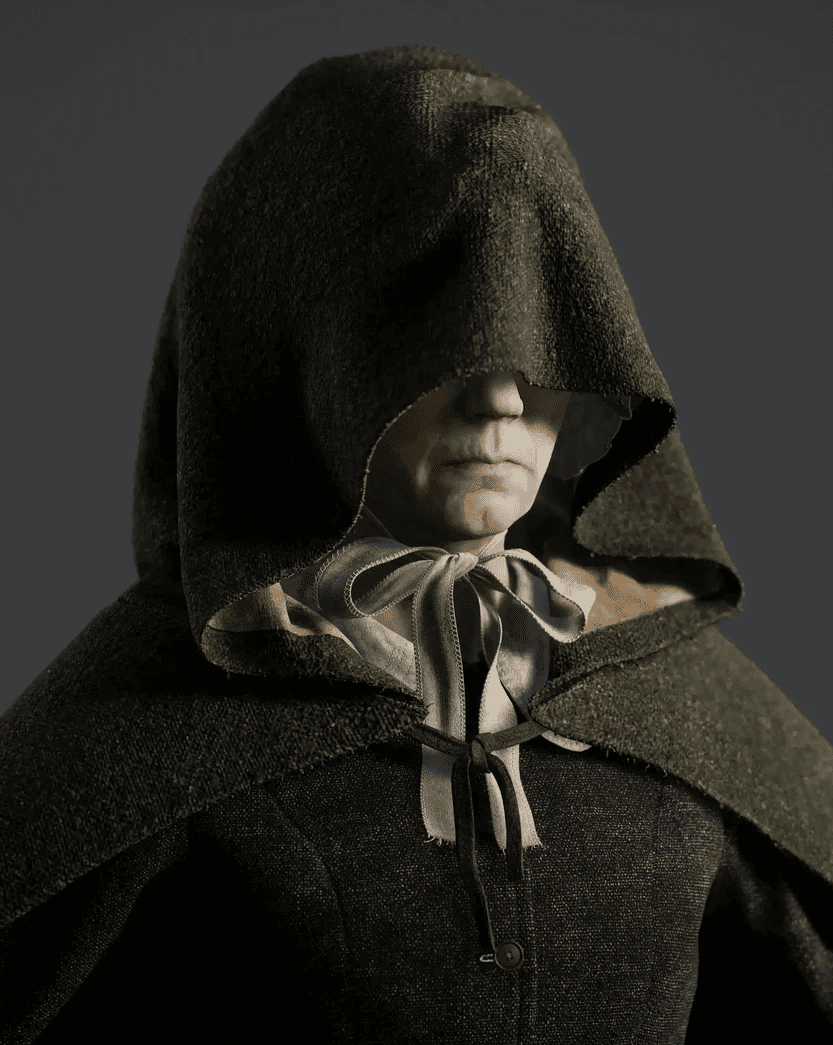
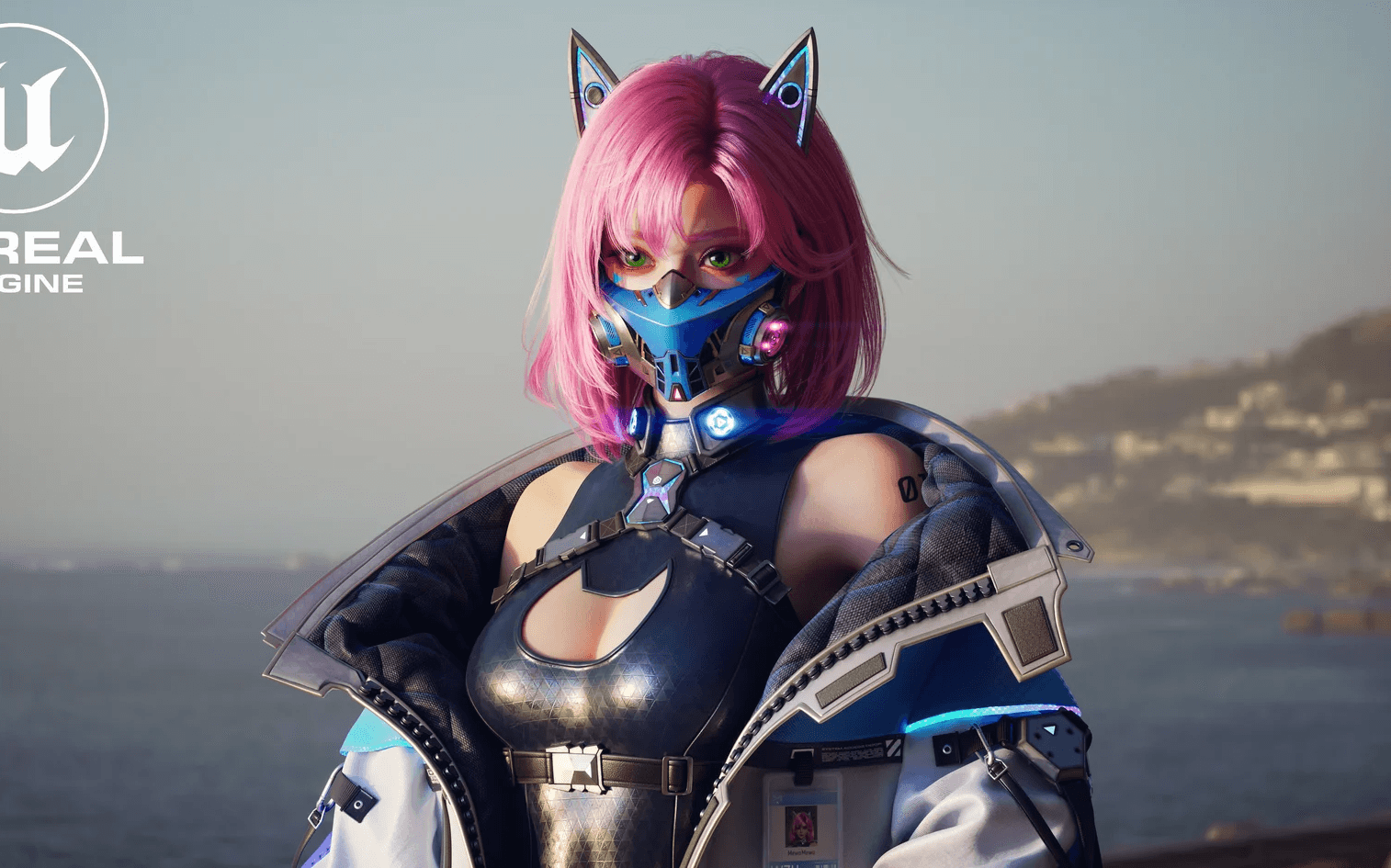
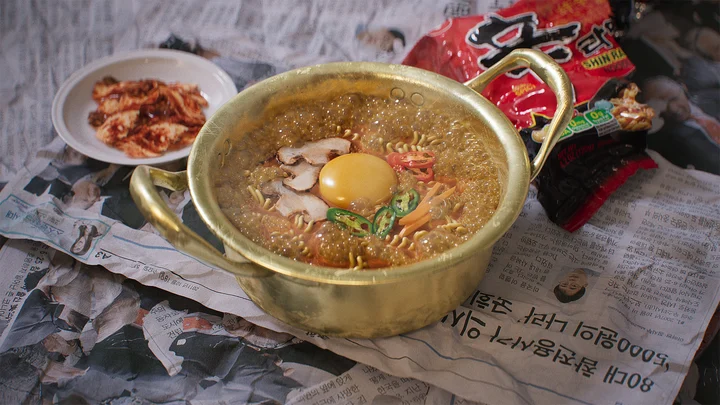
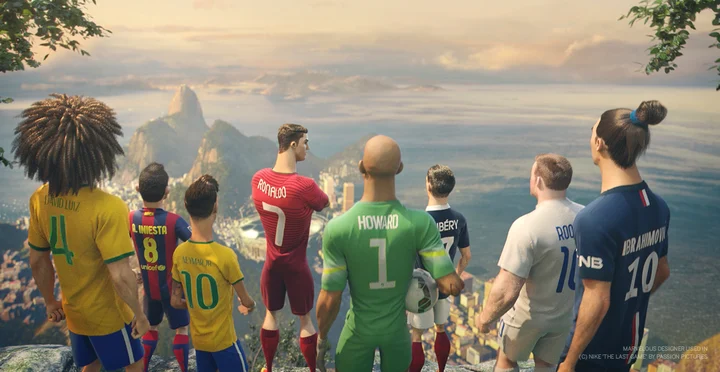
Marvelous Workflow
All your creative steps, from design to animation, built on simulation-based modeling
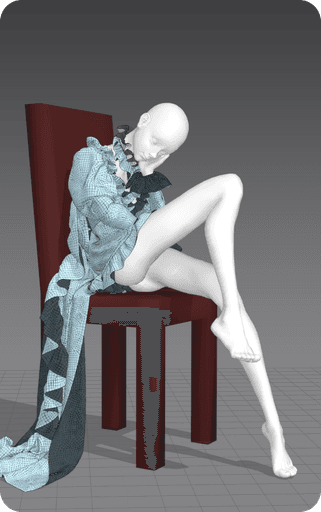

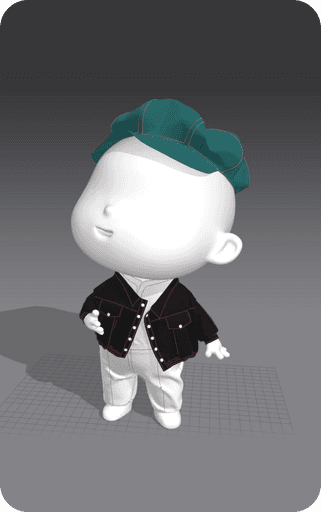
Modeling
Modeling
Modeling
Modeling
" height="12px" id="bO9NBHKfU" transform="translate(0.5 5)" width="11.000000000000014px"/></svg>)
Quickly create natural-looking wrinkles
Quickly create natural-looking wrinkles
Realistic draping based on simulation
Realistic draping based on simulation
Pattern-based garment construction method
Pattern-based garment construction method
Easy conversion to and use of quad mesh
Easy conversion to and use of quad mesh
Texture/Fabric
Texture/Fabric
Texture/
Fabric
Texture/Fabric
Realistic garment expression using actual fabric properties
Realistic garment expression using actual fabric properties
Includes a variety of fabric presets
Includes a variety of fabric presets
Supports high-resolution PBR Texture maps
Supports high-resolution PBR Texture maps
Generate textures with AI-powered graphics
Generate textures with AI-powered graphics
Rigging
Rigging
Rigging
Rigging
Compatible with rigged external avatar data
Compatible with rigged external avatar data
Outfit rigging supported via Everywear
Outfit rigging supported via Everywear
Pose naturally using IK (Inverse Kinematics) support
Pose naturally using IK (Inverse Kinematics) support
Animation
Animation
Animation
Animation
A range of intuitive animation editing tools
A range of intuitive animation editing tools
Simulate effects using wind and gravity animation
Simulate effects using wind and gravity animation
Create realistic motion with simulation-based animation
Create realistic motion with simulation-based animation
Supports external pose/motion files and offers free pose/motion presets
Supports external pose/motion files and offers free pose/motion presets
Rendering
Rendering
Rendering
Rendering
Stylized cartoon-style schematic rendering
Stylized cartoon-style schematic rendering
Export as video using built-in screen recording
Export as video using built-in screen recording
Supports Fur Strand preview rendering
Supports Fur Strand preview rendering
Where Craft Meets Tech
Quad(Optimized)
Beta
Fur Strand
IK Joint Mapping
Keyframe Animation
Schematic Render
Quad(Optimized)
Switch the mesh type to automatically convert triangles into quads, so you can skip manual retopology and continue your work more efficiently.
Beta
Fur Strand
You can preview Fur directly in the 3D window, apply presets easily, and adjust flow, shape, and volume to create your own custom design.
IK Joint Mapping
Set up joints more easily by automatically mapping IK to any avatar, reducing the time needed for animation and simulation workflows.
Keyframe Animation
Define animation keys for garments, pins, gravity, and wind to bring more movement and expression into your simulation.
Schematic Render
View outlines and fold details clearly with sketch-style rendering, and extend your work into a unique toon-style visual.
Quad(Optimized)
Beta
Fur Strand
IK Joint Mapping
Keyframe Animation
Schematic Render
Quad(Optimized)
Switch the mesh type to automatically convert triangles into quads, so you can skip manual retopology and continue your work more efficiently.
Beta
Fur Strand
You can preview Fur directly in the 3D window, apply presets easily, and adjust flow, shape, and volume to create your own custom design.
IK Joint Mapping
Set up joints more easily by automatically mapping IK to any avatar, reducing the time needed for animation and simulation workflows.
Keyframe Animation
Define animation keys for garments, pins, gravity, and wind to bring more movement and expression into your simulation.
Schematic Render
View outlines and fold details clearly with sketch-style rendering, and extend your work into a unique toon-style visual.
Quad(Optimized)
Beta
Fur Strand
IK Joint Mapping
Keyframe Animation
Schematic Render
Quad(Optimized)
Switch the mesh type to automatically convert triangles into quads, so you can skip manual retopology and continue your work more efficiently.
Beta
Fur Strand
You can preview Fur directly in the 3D window, apply presets easily, and adjust flow, shape, and volume to create your own custom design.
IK Joint Mapping
Set up joints more easily by automatically mapping IK to any avatar, reducing the time needed for animation and simulation workflows.
Keyframe Animation
Define animation keys for garments, pins, gravity, and wind to bring more movement and expression into your simulation.
Schematic Render
View outlines and fold details clearly with sketch-style rendering, and extend your work into a unique toon-style visual.
Quad(Optimized)
Beta
Fur Strand
IK Joint Mapping
Keyframe Animation
Schematic Render
Quad(Optimized)
Switch the mesh type to automatically convert triangles into quads, so you can skip manual retopology and continue your work more efficiently.
Beta
Fur Strand
You can preview Fur directly in the 3D window, apply presets easily, and adjust flow, shape, and volume to create your own custom design.
IK Joint Mapping
Set up joints more easily by automatically mapping IK to any avatar, reducing the time needed for animation and simulation workflows.
Keyframe Animation
Define animation keys for garments, pins, gravity, and wind to bring more movement and expression into your simulation.
Schematic Render
View outlines and fold details clearly with sketch-style rendering, and extend your work into a unique toon-style visual.
Quad(Optimized)
Beta
Fur Strand
IK Joint Mapping
Keyframe Animation
Schematic Render
Quad(Optimized)
Switch the mesh type to automatically convert triangles into quads, so you can skip manual retopology and continue your work more efficiently.
Beta
Fur Strand
You can preview Fur directly in the 3D window, apply presets easily, and adjust flow, shape, and volume to create your own custom design.
IK Joint Mapping
Set up joints more easily by automatically mapping IK to any avatar, reducing the time needed for animation and simulation workflows.
Keyframe Animation
Define animation keys for garments, pins, gravity, and wind to bring more movement and expression into your simulation.
Schematic Render
View outlines and fold details clearly with sketch-style rendering, and extend your work into a unique toon-style visual.
Get your plan Start Creating
Monthly
Cancel anytime,
no annual commitment
$39
/month
Annual
Save 40% with our Annual Plan
$468/year
$468/year
$468/year
$468/year
$280
/year
Start your
14 days
Start your
14 days
Start your
14 days
Start your
14 days
Start your
14 days
Free Trial
Get access to all features, technical support, and exclusive content in Marvelous Designer.